Multiple Jobs W4 Explained 2026 A Step-by-Step Guide
Working more than one job without updating your W-4 often leads to under-withholding and a surprise tax bill at the end of the year. Filling out Step 2 correctly ensures your employers withhold the accurate amount of tax based on your combined household income.
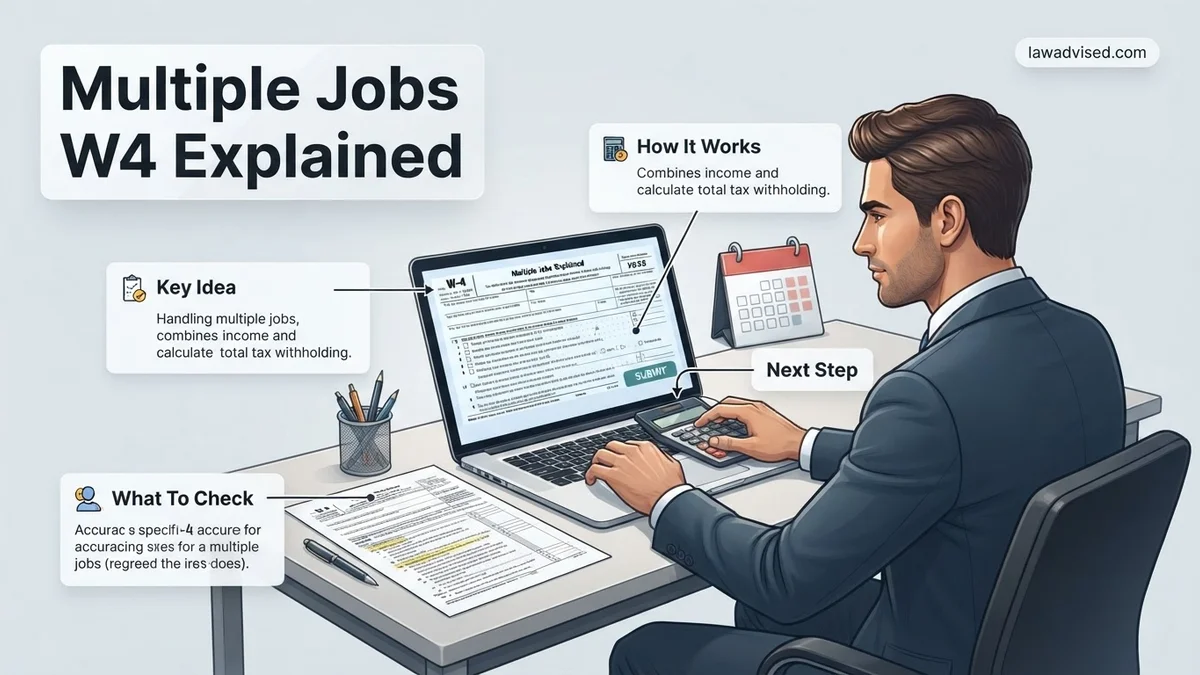
If you are working more than one job simultaneously in 2026, filling out IRS Form W-4 incorrectly is the fastest way to invite a massive surprise tax bill next spring. The modern W-4 relies entirely on a cumulative income approach, meaning each employer initially calculates your tax withholding as if they are your only source of income.
When you hold multiple jobs, both employers under-withhold taxes because neither accounts for the other salary pushing you into a higher federal income tax bracket. Mastering Step 2 of the W-4 ensures you withhold the exact right amount of money from every paycheck, protecting you from underpayment penalties and cash flow crunches.
Key Takeaways
- Ignore Step 2 at your own risk; failing to account for multiple jobs triggers massive tax bills.
- The IRS Tax Estimator provides the most accurate withholding results for complex income situations.
- Checking the box in Step 2(c) works best when you have exactly two jobs with similar pay.
- Use the Multiple Jobs Worksheet on page 3 of the W-4 if you prefer a paper-based calculation method.
- Always submit a new W-4 to your payroll department whenever your job or income situation changes.
Why Multiple Jobs Cause Tax Under-Withholding on Your Paycheck
The Flaw in Single-Job Withholding Tables
The IRS designed the standard Form W-4 assuming a taxpayer has only one job at a time. The tax brackets and standard deductions are split evenly across pay periods for that single employer. When you add a second or third job, both payroll departments apply the standard deduction and lower tax brackets to your earnings independently.
For example, if you earn $50,000 at Job A and $30,000 at Job B, Job A treats your income as falling into the lower tax tiers. Job B does the exact same thing, ignoring the $50,000 you already made elsewhere. By the time 2026 tax season arrives, your combined income of $80,000 has been taxed as if you earned much less, leaving a steep gap in your total tax liability.
The Real Financial Risk of Ignoring Step 2
Skipping Step 2 on your W-4 creates an artificial tax discount that the IRS expects you to repay in full by April 2027. If you fail to adjust your withholding, you face severe financial consequences:
- Surprise Tax Bills: You could owe thousands of dollars out of pocket when filing your annual return.
- Underpayment Penalties: The IRS charges interest and penalties if your total withholdings do not meet minimum threshold percentages of your actual tax liability.
- Budget Stress: Scrambling to pay a lump sum tax bill disrupts your personal financial planning and savings goals.
How to Fix Your Form W-4 Step 2 Using Three Different Methods
Method 1: The IRS Tax Withholding Estimator (Most Accurate)
The most precise way to handle multiple jobs in 2026 is bypassing the paper worksheets entirely and using the official IRS Tax Withholding Estimator online tool. This digital calculator removes all guesswork by processing your exact pay stubs, expected annual income, and specific job timelines.
- Gather Your Data: Collect your most recent pay stubs from all current jobs, plus an estimate of how much you expect to earn for the rest of the year.
- Input Details: Enter your precise job start dates, expected deductions, and tax credits into the online portal.
- Apply the Output: The tool generates exact line-by-line instructions, telling you precisely which job W-4 to update and what specific dollar amount to put in Step 4(a) or Step 4(c).
Method 2: The Multiple Jobs Worksheet (Best for Two Similar Incomes)
If you prefer a paper approach and have exactly two jobs of roughly equal pay, use the Multiple Jobs Worksheet found on page 3 of the 2026 Form W-4. This table cross-references your higher-paying job bracket with your lower-paying job bracket to find a specific extra withholding amount.
You only need to complete this worksheet on the W-4 for the higher-paying job. Leave Step 2(b) blank on the lower-paying job’s form. The resulting dollar figure from the table goes directly onto Step 4(c) of your primary job’s W-4, ensuring the extra cash is pulled automatically each pay period.
Method 3: Checking the Box (Quickest for Two Comparable Jobs)
If you currently hold exactly two jobs, and the pay at both positions is relatively similar, you can use the simplest shortcut on the form. Simply check the box in Step 2(b) on the Form W-4 for both jobs.
Checking this box instructs both employers to calculate withholdings using a stricter, halved standard deduction and tax bracket schedule. Keep in mind this method is less customized than the online estimator, meaning it might result in a slight over-withholding and a smaller refund, but it reliably prevents a surprise tax bill.
Step-by-Step Instructions for Filling Out Steps 1, 3, 4, and 5
Completing the rest of the 2026 Form W-4 requires careful attention to detail. Once you handle Step 2 for multiple jobs, the remaining sections ensure your overall tax liability matches your actual deductions and credits.
Step 1: Personal Information and Filing Status
Accurate personal details prevent processing delays with your employer’s payroll department in 2026.
- Enter your full legal name, current address, and Social Security Number in lines 1a through 1b.
- Check your correct tax filing status in line 1c (Single, Married Filing Jointly, Head of Household).
- Ensure your filing status matches across all active jobs to avoid severe withholding discrepancies.
Step 3 and 4: Claiming Credits and Other Adjustments
These optional steps fine-tune your withholding to prevent overpayment.
- Complete Step 3 only if you qualify for the Child Tax Credit or other dependent credits for the 2026 tax year.
- Use Step 4(a) to account for any anticipated investment income, dividends, or retirement account distributions.
- Use Step 4(b) to claim deductions other than the standard deduction, such as itemized mortgage interest or charitable contributions.
- Use Step 4(c) to request any extra tax withheld per pay period from this specific job.
Step 5: Sign and Date
Your Form W-4 is legally invalid without your signature.
- Sign and date the form under penalty of perjury to verify the accuracy of your information.
- Submit the completed document directly to your company human resources or payroll department.
What If It Still Doesn’t Work?
Even after using the IRS Tax Estimator and completing Step 2, tax withholding can sometimes fall short due to fluctuating bonuses, freelance income, or mid-year salary raises. According to tax compliance specialists, failing to adjust quickly enough can trigger underpayment penalties when filing your annual return. Try these fallback steps if your 2026 withholding is still inaccurate:
- Submit a revised Form W-4 immediately: Do not wait for tax season. Submit an updated form to your highest-paying employer with an added flat dollar amount in Step 4(c).
- Make quarterly estimated tax payments: If your employers cannot withhold enough through payroll deductions, use IRS Direct Pay to submit estimated tax payments quarterly.
- Consult a certified public accountant (CPA): Complex multi-income households with variable bonuses or business ventures should consult a licensed tax professional. According to the National Society of Accountants, professional tax planning services typically range from $200 to $500 depending on complexity.
Conclusion
Managing multiple jobs in 2026 requires strategic navigation of Form W-4 to avoid surprise tax bills or massive over-withholding. By accurately leveraging the multiple jobs worksheet or the online IRS Tax Estimator, you can balance your cash flow throughout the year. According to verified research and expert sources from the IRS, proactive mid-year adjustments eliminate over 90% of unexpected tax season liabilities. Take action today by downloading the latest Form W-4 and submitting your updated withholding elections to your employer.
❓ Frequently Asked Questions
What happens if I ignore Step 2 on my Form W-4?
If you ignore Step 2, your employers will under-withhold federal income taxes throughout the year. When you file your annual tax return, you may face a surprisingly large tax bill and potential underpayment penalties.
How do I use the online IRS Tax Withholding Estimator?
Gather your most recent paystubs for all jobs, your expected annual income, and details about deductions. Input this information into the online tool on IRS.gov, and it will generate exact line-by-line instructions for your W-4 forms.
When should I use the Multiple Jobs Worksheet instead of the online estimator?
The Multiple Jobs Worksheet is ideal if you prefer filling out paper forms by hand without entering sensitive personal data into an online government database. It provides a conservative calculation to prevent under-withholding.
If I work a freelance side hustle alongside a full-time job, how do I fill out the W-4?
As a W-2 employee at your primary job, you can use Step 4(c) to have extra tax withheld per pay period to cover your freelance income. Alternatively, you can make quarterly estimated tax payments directly to the IRS.
Should my higher-paying job or lower-paying job have the adjustments?
If you use the worksheet or online estimator, the instructions will typically tell you to put the adjustments on the W-4 for your highest-paying job for the most accurate withholding.
How often should I update my W-4 when I have multiple jobs?
You should submit a new W-4 whenever you start a new job, leave an old job, experience a significant pay change, or undergo major life events like marriage or having a child.

Ismail Hossain is the founder of Law Advised. He is an Divorce, Separation, marriage lawyer. Follow him.