How to Avoid Tax Filing Errors 2026 Step-by-Step Guide
Filing taxes without a checklist often leads to costly delays, rejected returns, and potential audits. Avoiding tax filing errors requires double-checking personal information, verifying math, and matching all W-2 and 1099 data before submission. Taking these preventive steps ensures faster refunds and eliminates unnecessary stress.
Filing your 2026 taxes correctly requires meticulous attention to detail, as even a single transposed number can trigger an IRS audit or delay your refund by months. The most frequent tax filing mistakes include mismatched W-2 or 1099 income data, outdated Social Security numbers, math calculation errors, and incorrect direct deposit routing numbers.
Taking a proactive approach saves you from costly penalties, interest charges, and the headache of amending your return later in the year. By following a structured pre-filing checklist and understanding where taxpayers trip up most often, you can submit an accurate return and secure your refund as quickly as possible.
Key Takeaways
- Double-check all Social Security numbers to prevent immediate rejection by the IRS.
- Match every W-2 and 1099 form to avoid mismatched income reporting flags.
- Use reputable tax software to automatically catch common math and calculation errors.
- Review your routing and account numbers twice to guarantee direct deposit success.
- File an amended return using Form 1040-X immediately if you spot a post-submission mistake.
What Causes Common Tax Filing Errors and Return Rejections
Mismatched Income and Tax Documents
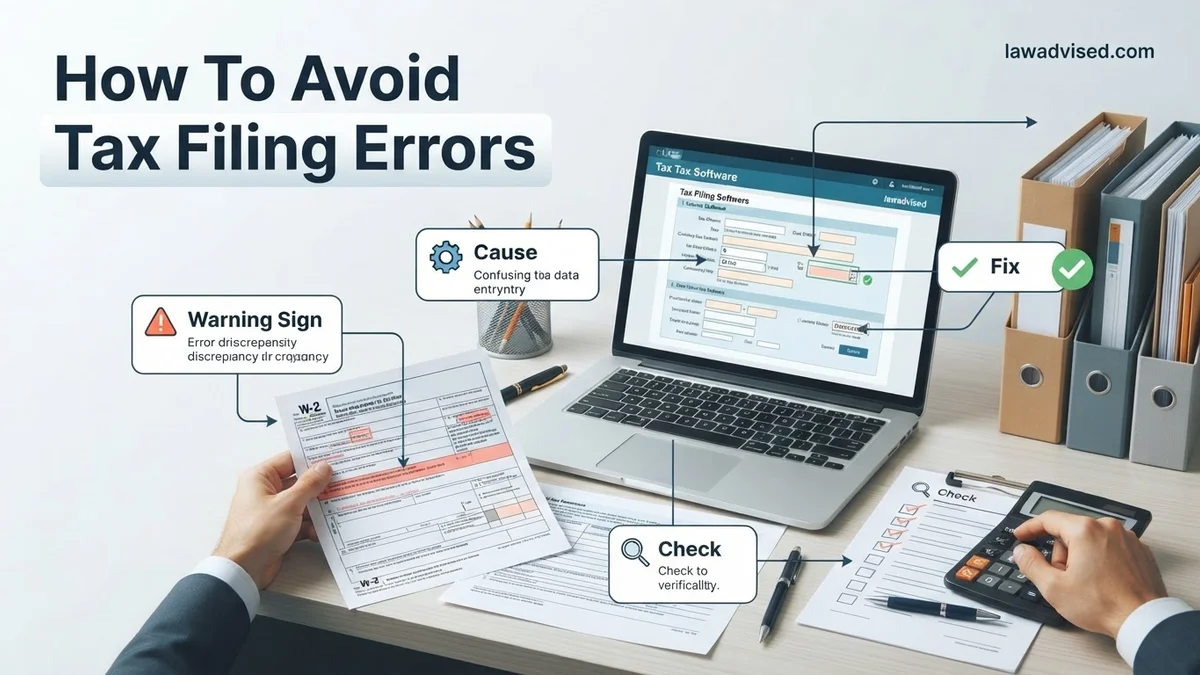
The IRS cross-references the numbers on your tax return with the copies sent by your employers, banks, and investment firms. When these documents do not match, the automated processing system flags your return immediately.
- Failing to report freelance income from 1099-NEC or 1099-K forms received throughout 2026.
- Leaving out cryptocurrency transactions or capital gains reported on consolidated 1099 statements.
- Mixing up gross income with net income on self-employed expense sheets.
To avoid this, wait until late February to ensure all your tax documents have arrived before filing, and pull your official wage and income transcript directly from the IRS portal.
Data Entry and Personal Information Mistakes
Typing errors on fundamental identification data are among the leading causes of rejected electronic returns and delayed paper checks. A simple typo can halt your entire tax processing timeline.
- Entering a dependent or spouse Social Security number incorrectly due to a single digit typo.
- Using a preferred name on your tax forms instead of the legal name registered with the Social Security Administration.
- Entering the wrong nine-digit routing number or account number for direct deposit refunds.
Always double-check your driver’s license, social security cards, and voided checks against the data fields in your tax software before clicking submit.
Master Tax Filing Accuracy in 8 Simple Steps
Filing your taxes doesn’t have to be a stressful, mistake-ridden ordeal that keeps you awake at night worrying about IRS audits. Tax errors can delay your much-needed refund, trigger expensive penalties, or prompt unwanted scrutiny from tax authorities. This comprehensive walkthrough is designed to take the guesswork out of tax season. By following these eight systematic, actionable steps, you will learn how to systematically organize your finances, double-check your data entry, and submit a pristine, error-free tax return just like a seasoned professional.
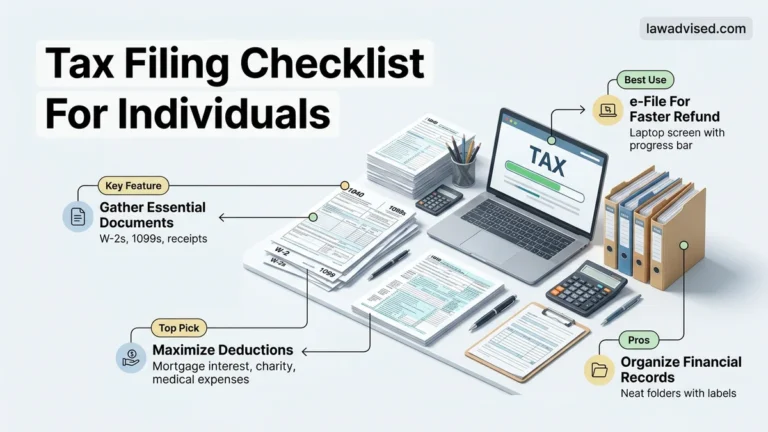
Step 1: Gather and Organize All Necessary Documents
What you need: A physical folder or secure digital drive, a calculator, and all tax documents arriving in your mail or inbox (W-2s, 1099s, 1098s).
Instructions: Begin by collecting every single tax document relevant to the previous calendar year. Wait until mid-February to ensure you have received all forms, including W-2s from employers, 1099s from freelance clients or financial institutions, and 1098 statements for mortgage interest or student loan payments. Sort these documents into distinct categories: income, deductions, and credits. Create a digital spreadsheet or a physical checklist to cross off each document as you receive it, ensuring nothing vital slips through the cracks.
Pro Tip: Never file your taxes using your final year-end paystub instead of an official W-2. Paystub numbers frequently contain minor discrepancies that will instantly trigger automated flags in the IRS processing system.
Step 2: Double-Check Social Security Numbers and Personal Details
What you need: Social Security cards or Individual Taxpayer Identification Number (ITIN) letters for yourself, your spouse, and all dependents.
Instructions: Open your tax software or paper forms and meticulously review the demographic section. Typos involving Social Security Numbers (SSNs), misspelled names, or incorrect dates of birth are among the most common reasons tax returns are immediately rejected by the IRS. Pull out the physical Social Security cards for every member of your household listed on the return. Type or write the numbers carefully, and then read them backward digit by digit to catch transposition errors.
Pro Tip: If a dependent recently changed their legal last name due to marriage or adoption, make sure you update their information with the Social Security Administration before filing, otherwise, the IRS database mismatch will halt your return.
Step 3: Select the Correct Filing Status
What you need: Knowledge of your marital status as of December 31st and household composition.
Instructions: Your filing status dictates your tax bracket, standard deduction amount, and eligibility for specific credits. Evaluate your situation to determine whether you qualify as Single, Married Filing Jointly, Married Filing Separately, Head of Household, or Qualifying Widow(er). If you are unmarried but pay more than half the cost of keeping up a home for a qualifying dependent, Head of Household is usually the most financially advantageous status, but it has strict qualification rules.
Pro Tip: If you qualify for more than one filing status (such as Head of Household and Qualifying Widow), always calculate your potential tax liability under both statuses to see which yields the lowest tax burden.
Step 4: Report All Taxable Income Accurately
What you need: All 1099 forms (1099-NEC, 1099-INT, 1099-DIV), W-2 forms, and records of any digital asset transactions.
Instructions: The IRS receives copies of every W-2 and 1099 issued in your name. Failing to report even a small side-hustle 1099 or a bank interest statement will almost certainly trigger an automated computer notice (CP2000) months later, resulting in recalculated taxes and interest penalties. Systematically enter the exact dollar amounts from Box 1 of your W-2s and the corresponding boxes of your various 1099s. Remember to report income from cryptocurrency sales, gig economy work, and unemployment benefits.
Pro Tip: Keep a running ledger of all freelance or gig work income throughout the year rather than trying to reconstruct it from bank statements in April.
Step 5: Maximize and Verify Deductions and Credits
What you need: Receipts and documentation for charitable donations, medical expenses, educational costs, and childcare.
Instructions: Decide whether taking the standard deduction or itemizing your deductions will save you more money. For most taxpayers, the standard deduction is higher and simpler. However, if you have substantial mortgage interest, state and local taxes (SALT), and charitable gifts, itemization may be better. Next, review your eligibility for valuable tax credits like the Child Tax Credit, Earned Income Tax Credit (EITC), or lifetime learning credits. Ensure you meet all income thresholds and residency requirements before claiming them.
Pro Tip: Do not guess charitable donation amounts. The IRS requires contemporaneous written acknowledgment from qualified 501(c)(3) organizations for any single donation of $250 or more.
Step 6: Choose Direct Deposit for Faster Refunds
What you need: A personal checking or savings account, along with your bank’s routing transit number and your specific account number.
Instructions: When prompted to select your refund method, always choose direct deposit rather than waiting for a paper check to arrive in the mail. Carefully input your bank’s 9-digit routing number (usually found on the bottom left of your checks) and your account number. Double-check these numbers before proceeding. Direct deposit is not only significantly faster—often delivering your refund within 21 days—but it also eliminates the risk of a paper check being lost, stolen, or delayed.
Pro Tip: Never have your tax refund deposited into a friend’s or relative’s bank account, as some tax software limits direct deposits to accounts matching the taxpayer’s name to prevent fraud.
Step 7: Perform a Comprehensive Pre-Submission Review
What you need: A completed tax return draft (PDF or printed copy) and your previous year’s tax return for comparison.
Instructions: Before you hit submit, execute a thorough sanity check on your entire return. Compare your total income, deductions, and expected refund or tax due with the previous year’s figures. If your income stayed relatively constant but your refund is drastically different, investigate why. Look for obvious math errors, decimal point misplacements (e.g., entering $5,000.00 as $50,000.00), and blank fields that should contain zeros.
Pro Tip: Step away from your computer for at least two hours before doing your final review. Returning with fresh eyes helps you catch glaring errors you might otherwise overlook.
Step 8: E-File and Securely Store Your Confirmation Records
What you need: IRS-approved tax filing software or a professional preparer, plus an electronic storage device or cloud folder.
Instructions: Choose to electronically file (e-file) your return rather than mailing a paper copy. E-filing reduces mathematical errors through built-in software validation checks and provides immediate electronic acknowledgment when the IRS accepts your return. Once transmitted, download and save a complete PDF copy of your filed tax return along with the official IRS acceptance confirmation receipt. Store these documents in a secure, password-protected digital vault for a minimum of seven years.
Pro Tip: If you are e-filing for the first time, your tax software will require your Prior Year Adjusted Gross Income (AGI) to verify your identity with the IRS. You can find this on line 11 of your previous year’s Form 1040.
✅ Final Checklist
- All W-2, 1099, and investment income forms accounted for and matched
- Social Security numbers verified against physical cards for all household members
- Filing status chosen correctly based on year-end marital and family status
- Bank routing and account numbers double-checked for direct deposit accuracy
- PDF copy of the final submitted return and IRS acceptance receipt safely archived
Important Notes:
- Never ignore IRS notices; if you receive an automated letter regarding a discrepancy, address it immediately to avoid compounding interest and penalties.
- Seek professional help from a Certified Public Accountant (CPA) or Enrolled Agent (EA) if your financial situation involves complex foreign assets, multi-state business operations, or disputed deductions.
- Estimated time: 2 to 4 hours of focused work; Cost: Free to $150 depending on whether you use free IRS filing options or commercial software.
How to Fix and Prevent Tax Mistakes with a Step-by-Step Checklist
Pre-Filing Verification Best Practices
Implementing a rigid review process before you transmit your documents eliminates the vast majority of avoidable errors. Modern tax preparation software helps automate this, but human oversight remains essential.
- Review your 2025 tax return side-by-side with your 2026 documents to catch missing deduction sources or unusual income shifts.
- Run the built-in error check or diagnostic tool included in your chosen tax software platform.
- Verify that your current mailing address and phone numbers are completely up to date to prevent lost IRS notices.
By comparing your current year documents against previous filings, you can spot forgotten retirement account distributions or missed charitable contribution receipts instantly.
Handling Rejections and Amending Errors
If the IRS rejects your electronic return for a syntax or data error, do not panic. The rejection notice will specify the exact error code and the field that needs correction.
- Log back into your tax preparation software, update the flagged field, and re-transmit the return at no additional charge.
- If you discover a mistake after the IRS has already accepted your return, you must file Form 1040-X to amend it.
- Wait until your original return has finished processing and you receive your initial refund before spending any amended refund amounts.
Fixing mistakes quickly keeps you compliant with federal guidelines and minimizes any potential interest accrual on unpaid tax liabilities.
How to Prevent Math and Data Entry Discrepancies
Math errors and incorrect Social Security Numbers (SSNs) remain the top triggers for IRS processing delays and notices. According to Treasury Inspector General for Tax Administration (TIGTA) reports, manual computation mistakes account for millions of taxpayer notices annually. Transitioning into the 2026 tax season, leveraging automated safeguards is essential for accuracy.
Utilize Integrated Tax Software Calculations
Modern tax preparation platforms automatically carry figures across multiple schedules and perform complex computations. Manual overrides should be avoided entirely unless explicitly required by specific IRS instructions. Automated calculation engines eliminate transposition errors between primary worksheets and Form 1040.
Verify Personal Identifiable Information
Data entry discrepancies frequently involve mistyped SSNs, incorrect dependent birthdates, or misspelled legal names. Even a single digit error on a dependent’s identifier can result in immediate rejection of an electronic return or the automatic disallowance of valuable tax credits. Filers must cross-reference all personal data against official physical social security cards and state identification documents before final transmission.
- Print or export a draft copy of the completed 2026 tax return prior to electronic filing.
- Compare every numeric entry against source documents line by line.
- Confirm that routing and bank account numbers for direct deposit are entered correctly to prevent refund misdirection.
What to Do If Your Tax Return Still Contains Errors After Submission
Discovering a mistake after hitting submit on your 2026 tax return can cause unnecessary panic, but the IRS provides a standardized correction protocol. Taxpayers should never file a duplicate original return to fix a mistake, as this practice severely delays processing times across the agency.
Step-by-Step Amendment Protocol
- Wait until the IRS has officially processed your original 2026 tax return and issued any pending refund or balance due notice.
- Obtain and complete Form 1040-X, Amended U.S. Individual Income Tax Return, noting the specific tax year being modified.
- Attach any new or revised forms, such as corrected W-2s or 1099s, that support the reported financial adjustments.
- Submit the amended return electronically if your software provider supports 2026 e-filing for Form 1040-X, or mail the physical paperwork to the designated IRS processing center for your geographic region.
What If It Still Doesn’t Work?
When complex tax discrepancies persist or the IRS issues an audit notice despite careful filing, resolving the issue independently may become overwhelming. Employing a qualified tax professional ensures compliance and protects your financial interests during dispute resolution.
- Gather all correspondence received from the IRS alongside your original 2026 filing documentation and supporting records.
- Consult a credentialed tax professional—such as a Certified Public Accountant (CPA), Enrolled Agent (EA), or tax attorney—who specializes in IRS representation and audit defense.
- Expect professional consultation and audit representation fees to range from $200 to $500 per hour, or a flat fee between $1,000 and $3,500 depending on the complexity of the amended return or tax dispute.
- Authorize your chosen professional via IRS Form 2848 to communicate directly with tax authorities on your behalf.
Conclusion
Navigating tax season successfully requires vigilance against common data entry mistakes, math discrepancies, and missing informational documents. By implementing systematic verification procedures and utilizing advanced software safeguards for the 2026 filing cycle, taxpayers can drastically reduce their audit risk and secure faster refund processing. According to verified research and expert tax sources, proactive preparation and thorough documentation remain the most effective defenses against costly filing errors. Take the next step today by organizing your source documents and running a preliminary digital check before your final submission.
❓ Frequently Asked Questions
What are the top tax filing errors to watch out for?
The most frequent mistakes include incorrect Social Security numbers, math miscalculations, choosing the wrong filing status, and failing to sign or date the return. Mismatched income reported on W-2 or 1099 forms also triggers automatic IRS review.
How can I verify my previous year Adjusted Gross Income (AGI)?
Your AGI can be found on line 11 of your last year Form 1040. If you cannot find last year return, you can view it online by logging into your secure IRS account.
How long does it take the IRS to process an amended return?
Amended returns typically take anywhere from 8 to 12 weeks to process once the IRS receives Form 1040-X. You can track the status of your amendment using the online IRS Where is My Amended Return tool.
Do I need to file an amended return for a small math error?
No, the IRS usually catches and corrects simple math errors automatically during processing. They will send you a notice explaining any adjustment made to your tax refund or tax due.
What should I do if I forgot to include a W-2 form?
Do not file an amended return immediately if you realize a W-2 is missing before processing finishes. Wait until your original return has been fully processed and you receive your refund, then file Form 1040-X.
How do I ensure my direct deposit information is accurate?
Pull out a physical check or log into your online banking portal to copy your exact 9-digit routing number and account number. Entering these numbers manually without checking a direct source is a leading cause of delayed refunds.

Ismail Hossain is the founder of Law Advised. He is an Divorce, Separation, marriage lawyer. Follow him.