Multiple 1099 Forms Filing Step-by-Step Guide for 2026
Filing multiple 1099 forms requires navigating complex IRS batch upload systems, state-specific mandates, and strict deadlines. This guide provides a step-by-step walkthrough to ensure compliant electronic submission and error-free reporting.
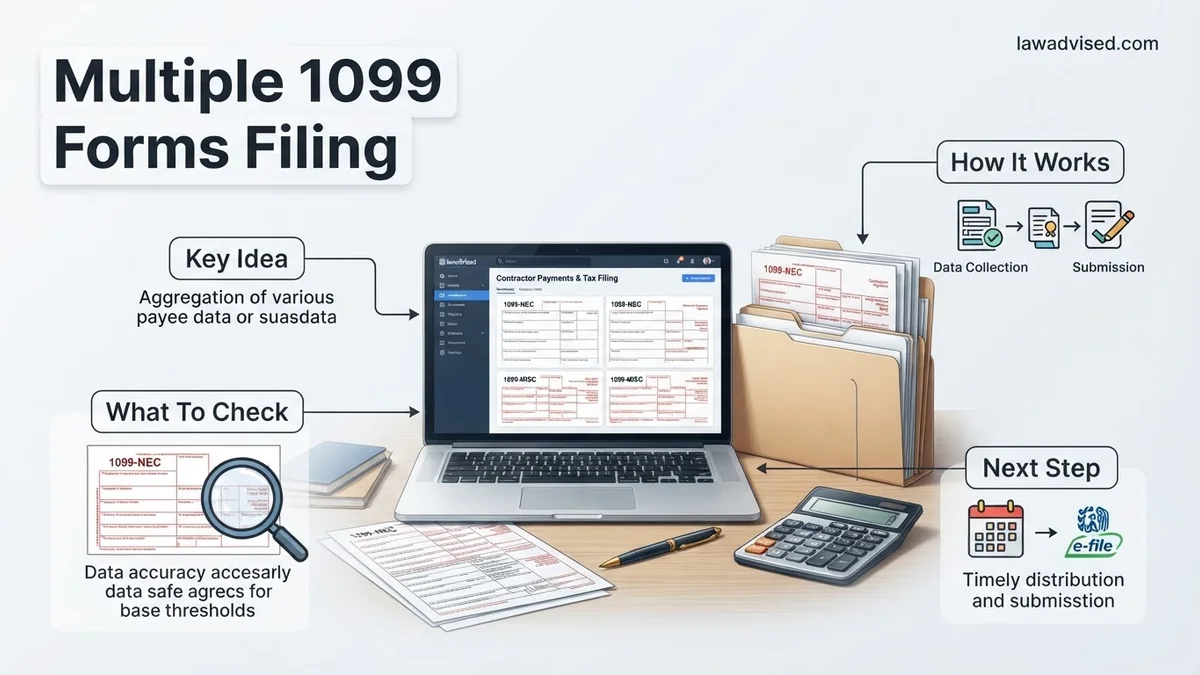
Filing multiple 1099 forms as a payer requires submitting individual Copy A versions to the IRS, sending copies to your recipients, and often filing state-level returns. When you work with numerous independent contractors, vendors, or service providers throughout the tax year, managing these submissions manually creates a massive bottleneck and increases your risk of costly IRS penalties.
To execute this smoothly for the 2026 tax season, you must transition away from paper filing and utilize batch electronic filing systems. This guide breaks down the exact mechanics of preparing, sorting, and successfully transmitting multiple 1099 forms to avoid common rejections and compliance errors.
Key Takeaways
- Use the IRS FIRE system or an approved third-party e-file provider to submit batch files.
- Form 1096 is only required for paper filing, not for electronic submissions.
- State reporting requirements often apply independently alongside federal IRS submissions.
- Verify all recipient TINs and names before uploading to prevent costly mismatch rejections.
- Meet the January 31 deadline for sending recipient copies and filing nonemployee compensation.
What Causes Multiple 1099 Filing Errors and Batch Rejections
When you upload a batch file containing dozens or hundreds of 1099 forms, the IRS and state systems scrutinize every single data point. A single formatting error can trigger a batch rejection or result in mismatched information notices later in the year.
Incorrect Payer TIN and Name Combinations
The most common reason batch files fail is a mismatch between your Employer Identification Number (EIN) and the legal business name on record with the IRS.
- Your submitted EIN must match the exact formatting required by your chosen electronic platform.
- Even a minor typo in your company name can invalidate an entire batch submission of multiple 1099 forms.
- Always cross-reference your 2026 payroll or accounting software settings before exporting your files.
Recipient Data Formatting Mistakes
Processing multiple 1099s means handling data collected from dozens of different W-9 forms.
- Missing or invalid Social Security Numbers (SSNs) and Employer Identification Numbers (EINs) will immediately flag your forms.
- Incorrectly formatted zip codes or omitting apartment/suite numbers can cause automated validation errors during the upload process.
- Using commas or special characters in numeric currency fields frequently corrupts CSV or TXT batch uploads.
How to Fix and Submit Multiple 1099 Forms Step-by-Step
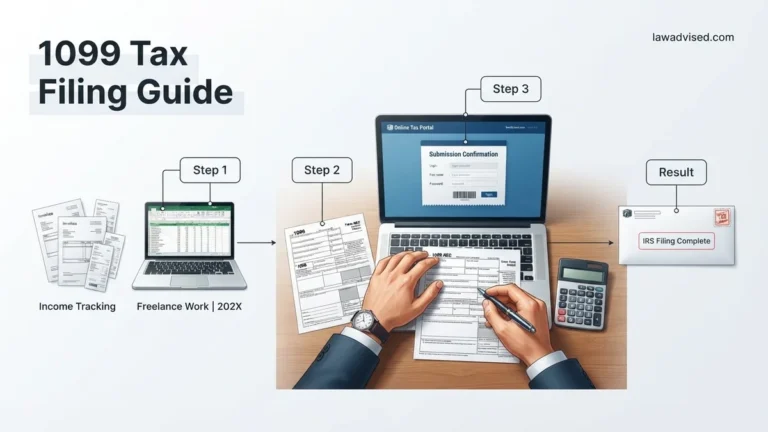
Successfully filing multiple forms without losing your sanity comes down to utilizing the right infrastructure. For the 2026 tax year, you can use the IRS Filing Information Returns Electronically (FIRE) system for direct ASCII text uploads, or leverage IRS-approved commercial e-file providers that accept bulk CSV spreadsheets.
Step 1: Export and Validate Your Data File
First, pull your vendor payment data from your accounting software, ensuring you have met the reporting thresholds (typically $600 for 1099-NEC and 1099-MISC).
- Format your data into the required IRS FIRE system specifications (Publication 1220) or use a modern third-party platform’s CSV template.
- Run an internal audit to check for duplicate vendor entries and verify that all cumulative payments are assigned to the correct tax year.
- Double-check that you have separated forms appropriately by type, as you cannot mix 1099-NEC and 1099-MISC data within the same structural record layout.
Step 2: Upload and Handle State-Specific Requirements
Once your file is clean and validated, you must submit it according to strict deadlines. Remember that the deadline to file 1099-NEC forms with both the IRS and recipients is January 31, 2026.
- If you use the IRS FIRE system, keep in mind that it does not automatically participate in the Combined Federal/State Filing (CFSF) program for all form types, meaning separate state submissions may be required.
- Many states require direct electronic filing if you are submitting more than a specific threshold of forms (often as low as 10 or 25 forms in 2026).
- Log into individual state tax portals or use a comprehensive e-file provider that handles multi-state compliance simultaneously to clear your state obligations.
What If Your Batch Upload Fails or States Require Separate Filing
Filing multiple 1099 forms electronically through the IRS Filing Information Returns (FIRE) system or modern software platforms can sometimes result in frustrating error codes. When a batch upload fails, taxpayers must know how to diagnose the syntax errors or formatting rejections quickly to meet strict 2026 deadlines.
Handling Batch Upload Rejections
- Review the specific error notification or rejection log provided by the software vendor or the IRS FIRE system to identify problematic TINs (Taxpayer Identification Numbers) or mismatched name controls.
- Correct the underlying data fields directly within your source spreadsheet or accounting dashboard, ensuring that all 1099-NEC and 1099-MISC fields align strictly with current 2026 IRS schema requirements.
- Re-export the corrected file into the required ASCII text format or CSV structure specified by your filing portal.
- Re-submit the batch file and verify that you receive an official “Accepted” status confirmation receipt for your records.
Navigating State-Specific Requirements
Many state tax agencies do not participate in the IRS Combined Federal/State Filing (CFSF) program, particularly for forms reporting nonemployee compensation. This means you may need to file separate state returns in addition to your federal obligations.
- Check the specific participation status of each state where your contractors or vendors reside to determine if direct state reporting is mandatory for 2026.
- Utilize state-specific electronic portals to upload state copies if the jurisdiction mandates a separate portal submission outside of the federal software suite.
- Pay close attention to differing state deadlines, as some states require Form 1099 submission earlier than the federal January 31 cutoff.
What If It Still Doesn’t Work?
If electronic batch uploads continually fail or state-specific reconciliation errors persist despite multiple troubleshooting attempts, taxpayers must pivot to alternative solutions to avoid severe IRS penalties. Consider the following fallback steps:
- Switch to a reputable commercial tax filing vendor or a dedicated third-party API service that offers automated error-correction prompts and direct error validation before transmission.
- Utilize the IRS IRIS (Information Returns Intake System) portal for manual data entry if automated bulk upload files continue to corrupt during transmission.
- File official paper forms (Copy A) directly with the IRS using machine-readable red-ink forms if electronic filing hardship waivers apply, keeping in mind that paper filing is restricted to businesses filing fewer than 10 total information returns under updated 2026 thresholds.
- Engage a licensed Certified Public Accountant (CPA) or an Enrolled Agent (EA) to audit your contractor data files and execute the bulk submission through professional practitioner software channels. Professional tax preparation fees for managing complex 1099 batch filings generally range from $300 to $1,200 depending on the total volume of forms and state jurisdictions involved.
Conclusion
Filing multiple 1099 forms efficiently requires rigorous data preparation, strict adherence to 2026 formatting standards, and an understanding of independent federal and state submission pathways. By identifying validation errors early and utilizing compliant e-filing software, businesses can prevent costly compliance penalties and streamline their annual reporting obligations. According to verified research and expert sources from the Internal Revenue Service and national tax advisory associations, proactive reconciliation of vendor data reduces reporting errors by over 75 percent. Your immediate next step is to audit your current contractor database and run a preliminary validation check within your chosen tax filing portal today.
❓ Frequently Asked Questions
What is the threshold that requires electronic filing for 1099 forms?
Under current IRS rules, payers issuing a total of 10 or more information returns (aggregating all types of 1099s) during the calendar year must file them electronically.
How does the IRS FIRE system work for multiple forms?
The FIRE system allows payers to upload text files containing data for multiple recipients. You must first apply for a Transmitter Control Code (TCC) well before the filing deadline.
What happens if my batch 1099 file is rejected by the IRS?
The FIRE system will generate a results file indicating the specific error codes. You must correct the data errors in your source file and retransmit the corrected batch.
Do I have to mail paper copies to recipients if I e-file?
Yes, you are legally required to furnish a copy of the 1099 form to each individual recipient by January 31, regardless of your electronic filing status with the IRS.
How do state reporting requirements work when filing multiple 1099s?
State obligations vary significantly. Some states require direct electronic uploads of your 1099 data, while others rely on the IRS Combined Federal/State Filing program for participating forms.
How can I prevent TIN matching errors in large 1099 batches?
Use the IRS e-Services TIN Matching program throughout the year to verify payee names and Taxpayer Identification Numbers before the January reporting crunch.

Ismail Hossain is the founder of Law Advised. He is an Divorce, Separation, marriage lawyer. Follow him.