Steps to File Income Tax Return 2026 Expert Guide
Filing your taxes correctly requires organizing documents, choosing a filing method, and accurately submitting forms to avoid delays. Following a structured chronological process ensures you secure your proper refund or minimize your tax liability efficiently.
Filing your income tax return for 2026 requires a systematic approach to ensure accuracy, avoid IRS or tax authority penalties, and secure your maximum refund as quickly as possible. The exact process involves gathering your financial records, selecting the right filing method, inputting your data into the correct forms, and submitting the final return.
Mastering this workflow protects you from common mistakes that trigger audits or processing delays. By following a structured timeline, you can complete your taxes efficiently without the usual last-minute stress.
Key Takeaways
- Gather all W-2s, 1099s, and identification documents before starting your tax return.
- Choose between free IRS filing options, commercial software, or hiring a professional.
- Double-check your Social Security numbers and bank routing details to prevent processing delays.
- Review your completed tax forms thoroughly before hitting the submit button.
- Track your refund status online through official IRS tools after submission.
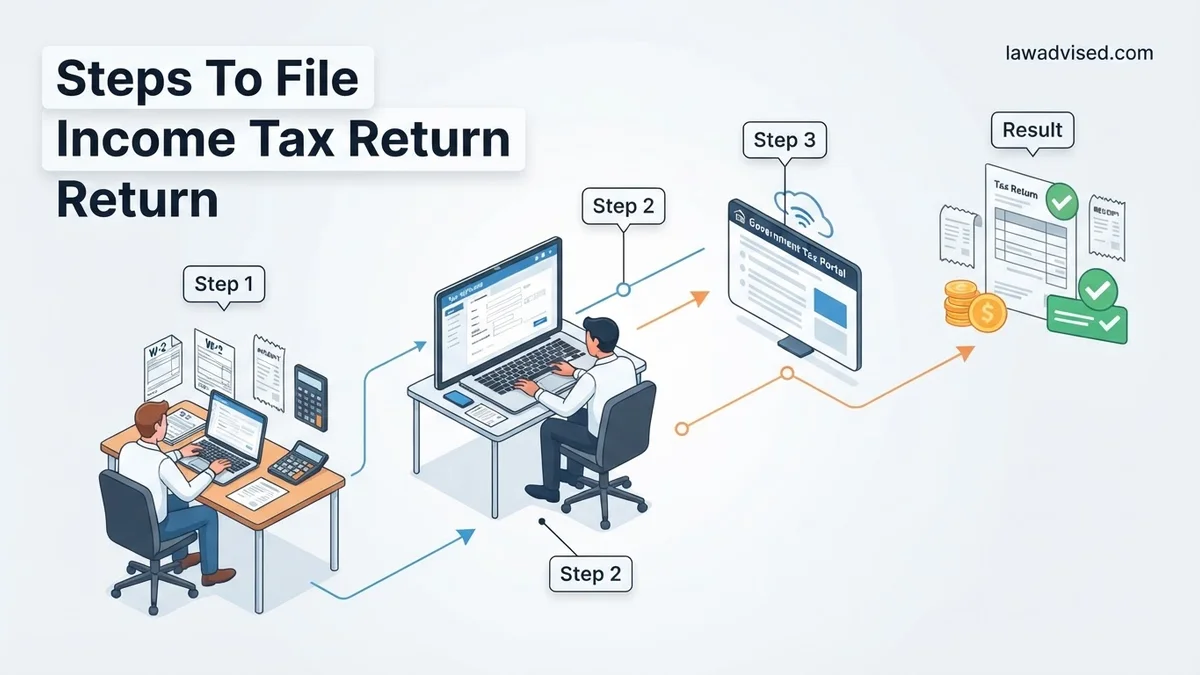
What Causes Tax Filing Errors and Processing Delays
Filing mistakes can add weeks or even months to your refund timeline. Understanding where people typically stumble helps you safeguard your 2026 return against preventable rejections.
Common Mathematical and Data Entry Mistakes
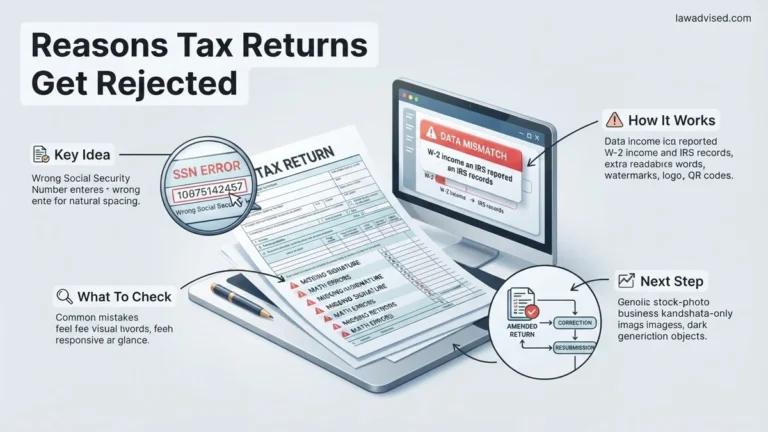
Simple typos account for a massive percentage of processing holds. Entering an incorrect Social Security Number or mistyping a single digit in your income figures forces tax agency computers to flag your return for manual review. Always double-check your identification numbers against your physical cards before hitting submit.
- Transposing digits in bank routing or account numbers for direct deposit
- Failing to report all income sources, such as freelance side gigs or investment dividends
- Using outdated tax software that hasn’t updated its tables for 2026 regulations
Ignoring Form Discrepancies
Your tax software pulls data from uploaded documents, but auto-fill features aren’t foolproof. If the numbers on your W-2 or 1099 do not match what gets populated in your software, automated matching systems will immediately halt your return. Manually verify every imported box.
Income Tax Return Made Easy: Your Essential Action Plan
Filing your income tax return doesn’t have to be a stressful, anxiety-inducing yearly chore. Whether you are a traditional W-2 employee, a bustling freelancer, or managing multiple streams of income, staying organized and following a structured approach is the absolute key to keeping your stress levels low and maximizing your potential refund. This practical walkthrough covers every single phase of the tax-filing journey, breaking down complex financial jargon into clear, actionable, and easy-to-follow actions. By taking things one deliberate step at a time, you can ensure absolute accuracy, avoid costly penalties from tax authorities, and confidently submit your return with time to spare.
Step 1: Gather and Organize Your Tax Documents
What you need: A physical or digital folder, a pen, a calculator, and all mail or email notifications received from employers and financial institutions.
Instructions: Before you even look at a tax form, you must collect all relevant income and deduction documentation. This includes Form W-2s from every employer you worked for during the year, 1099s if you performed freelance or contract work, and 1098s for mortgage interest or student loan interest paid. Additionally, locate statements for any investment accounts (Form 1099-B), retirement distributions, and receipts for major deductions like charitable donations or medical expenses. Sort these documents neatly by category so you can easily reference them without frantic searching later.
Pro Tip: Never start filing until you have received all expected tax forms, which typically arrive by late January to mid-February. Filing too early and amending later wastes time and delays your refund.
Step 2: Choose Your Filing Status
What you need: Your marital status as of December 31st of the tax year and details regarding your household dependents.
Instructions: Your filing status determines your tax bracket, standard deduction amount, and overall tax liability. You must choose the correct category among Single, Married Filing Jointly, Married Filing Separately, Head of Household, or Qualifying Surviving Spouse. If you are unmarried with a dependent child or relative whom you financially support for more than half the year, you will likely qualify for the much more financially beneficial “Head of Household” status, which offers a higher standard deduction than filing as single.
Pro Tip: If you got married or divorced right at the end of the calendar year, the IRS considers your status for the entire year based on your legal marital standing on December 31st.
Step 3: Select How You Want to File
What you need: A computer or smartphone, stable internet access, and a budget for software or professional fees.
Instructions: Evaluate your current financial complexity to decide the best method for submitting your return. If you have a straightforward W-2 job and no complex investments, commercial tax software (such as TurboTax, H&R Block, or FreeTaxUSA) offers an intuitive interview-style process. If your income involves foreign assets, rental properties, or intricate small business deductions, hiring a Certified Public Accountant (CPA) or Enrolled Agent is usually the wisest path. Ensure the platform or professional you choose is authorized and secure.
Pro Tip: Check if you qualify for IRS Free File programs, which provide free commercial online tax software to millions of taxpayers meeting specific income thresholds.
Step 4: Report All Sources of Income
What you need: Your organized W-2s, 1099s, and records of any miscellaneous income such as digital asset sales or gambling winnings.
Instructions: Carefully input your gross income into your chosen tax software or paper forms. Be meticulous: cross-reference every number box-by-box with your physical documents to avoid typos. If you earned freelance income through platforms like Upwork or received payments via PayPal and Venmo above reporting thresholds, you must report these amounts even if you did not receive a formal 1099 form. Failing to report all income is one of the fastest ways to trigger an automated IRS audit and subsequent penalty notices.
Pro Tip: Keep a running list as you enter each income source, checking them off one by one so you do not accidentally double-report or miss a smaller side gig.
Step 5: Claim Credits and Deductions
What you need: Receipts for childcare expenses, education costs (Form 1098-T), medical bills, and energy-efficient home improvement invoices.
Instructions: Deductions lower your overall taxable income, while tax credits reduce your final tax liability dollar-for-dollar. Decide whether to take the standard deduction (a flat amount based on your filing status that the vast majority of taxpayers use) or itemize your deductions if your total eligible expenses exceed the standard limit. Next, actively search for tax credits you may qualify for, such as the Earned Income Tax Credit (EITC), Child Tax Credit, or lifetime learning credits for higher education.
Pro Tip: Do not guess or estimate charitable donations or business mileage. Always maintain contemporaneous written logs and physical receipts to substantiate every single deduction you claim.
Step 6: Review Your Return for Errors
What you need: Completed draft of your tax return, your Social Security card, and bank routing numbers.
Instructions: Before giving the final authorization to submit, review every single line of your tax return. Look specifically for common typographical errors: misspelled names, incorrect Social Security Numbers or Employer Identification Numbers, and transposed digits in financial amounts or bank routing numbers. A single typo in your bank account information can cause your direct-deposit refund to bounce or be sent to an incorrect account, leading to weeks of processing delays.
Pro Tip: Print out or save a digital PDF copy of the completed tax return draft. Step away from the screen for an hour, then review it with fresh eyes.
Step 7: File Your Return and Set Up Payment or Refund
What you need: Electronic filing PIN (if applicable), bank account details for direct deposit, or a credit card/bank account for paying owed taxes.
Instructions: Transmit your return electronically (e-file), which is the fastest, safest, and most accurate way to file. If you are due a refund, select direct deposit to receive your money in as little as 10 to 21 days. If you owe money to the IRS or your state tax agency, schedule your electronic payment directly from your bank account or pay securely online. Ensure you receive an official confirmation notification or email receipt from your software provider stating that your return has been successfully accepted by the government.
Pro Tip: If you cannot afford to pay your tax bill in full by the deadline, still file your return on time to avoid failure-to-file penalties, and immediately apply for an IRS installment payment plan.
✅ Final Checklist
- Verified that all W-2, 1099, and interest statements match the income reported
- Checked that all Social Security numbers and personal details are completely accurate
- Selected the most advantageous filing status and deduction method
- Confirmed bank routing and account numbers for direct deposit or payment
- Saved a permanent digital and physical copy of the final submitted return and IRS acceptance receipt
Important Notes:
- Never ignore correspondence from the IRS or state tax agencies; open and review all tax-related mail immediately.
- Seek professional legal or accounting assistance if you suspect identity theft, face an audit, or have complex multi-state or international tax situations.
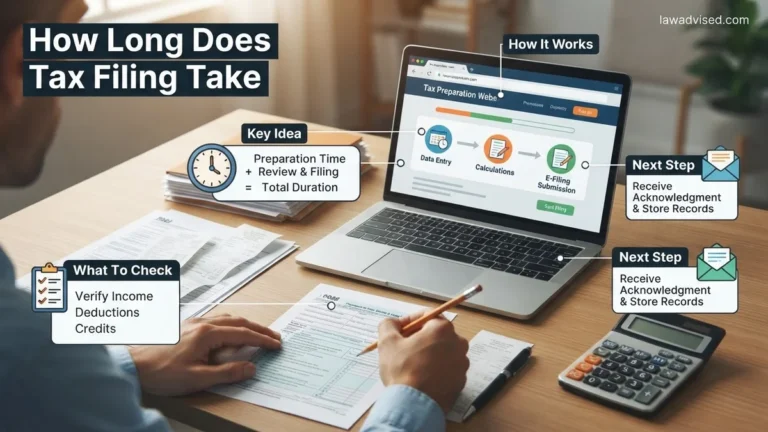
- Filing on your own using software typically takes 2 to 4 hours and costs between $0 and $100; professional CPA services can range from $200 to over $1,000 depending on complexity.
How to Gather Your Required Tax Documents and Information
You cannot successfully file your return until you have every piece of financial documentation in front of you. Trying to guess numbers or file prematurely without essential forms guarantees an amended return later.
Essential Income Verification Forms
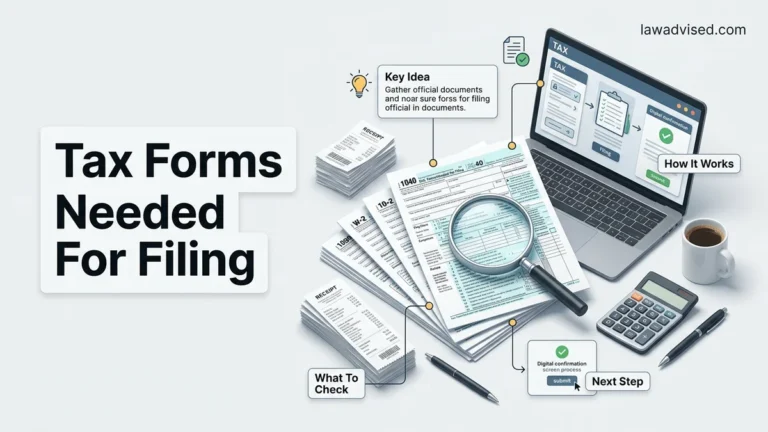
Your employers and financial institutions must issue specific forms detailing your earnings for the tax year. Keep a checklist to ensure you have received every expected document before you sit down to file in 2026.
- Form W-2 for wage and salary income from your employers
- Various 1099 forms (1099-NEC for freelance work, 1099-INT for bank interest, 1099-DIV for investments)
- Form SSA-1099 if you receive Social Security benefits
Deduction and Credit Records
Beyond income, you need records that lower your overall tax liability. Collect receipts and official statements for qualifying expenses well before you begin inputting data.
- Form 1098 for mortgage interest payments and real estate taxes
- Form 1098-T for higher education tuition and fee deductions
- Records of charitable donations, medical expenses, and childcare costs
Step-by-Step Guide to Choose a Filing Method and Submit Your Return
Choosing the right filing method depends on your financial complexity and comfort level with tax software. For the 2026 tax season, the Internal Revenue Service (IRS) offers Direct File in over 24 participating states, providing a free and direct submission path for eligible taxpayers.
Selecting Your Submission Pathway
- Assess your tax situation: Review whether you have standard W-2 income only or complex investments, freelance earnings, or itemized deductions.
- Select IRS Direct File or commercial software: If your return is straightforward, utilize government-backed portals. For complex portfolios, choose IRS-approved commercial software or an authorized e-file provider.
- Upload and verify tax documents: Import your digital forms (W-2s, 1099s, 1098s) directly into the software to minimize manual data-entry errors.
- Review calculation summaries: Carefully check your adjusted gross income (AGI), standard deduction amounts, and tax credits before final transmission.
- Submit and retain confirmation: Transmit your return electronically and save the electronic acknowledgment receipt provided by the platform as proof of filing.
What to Do If Your Return Is Rejected or Your Refund Is Delayed
Tax return rejections happen frequently due to mismatched data, such as an incorrect Social Security Number or a missing prior-year Adjusted Gross Income (AGI) verification. According to Treasury Inspector General for Tax Administration reports, electronic rejections can be quickly resolved by correcting the specific error code provided by the filing software.
Resolving Submission Rejections
- Identify the rejection code: Locate the specific error code and description provided in your software dashboard or email notification.
- Correct the underlying data: Update misspelled names, dependent SSNs, or numerical discrepancies flagged by the agency verification system.
- Resubmit your return: Once corrected, re-sign and retransmit your electronic return through your chosen software platform at no additional charge.
- Monitor refund timelines: If your return was accepted but your refund is delayed past the standard 21-day window, check the “Where’s My Refund?” tool on the official IRS website.
What If It Still Doesn’t Work?
If electronic submission persistently fails or your refund remains stalled for over 60 days without explanation, structured fallback measures are required. According to National Taxpayer Advocate guidance, unresolved electronic errors often necessitate switching filing methods or engaging certified professionals.
- Switch to paper filing: If software glitches or systemic rejections prevent e-filing, print your completed return, sign it manually, and mail it to the appropriate IRS processing center via certified mail with tracking.
- Contact the IRS directly: Call the IRS live assistance line at 1-800-829-1040, or schedule an appointment at your local Taxpayer Assistance Center for identity or account verification issues.
- Engage professional help: For complex audit triggers, unresolvable math errors, or missing documents, hire a Certified Public Accountant (CPA) or Enrolled Agent (EA). Professional tax preparation and resolution services typically cost between $250 and $850 depending on complexity.
- Consult the Taxpayer Advocate Service (TAS): If financial hardship results from a delayed refund, submit Form 911 to request assistance from this independent organization within the IRS.
Conclusion
Navigating the 2026 tax season successfully requires careful document organization, accurate data entry, and the selection of a secure filing method to ensure fast processing and maximum refund retrieval. Your immediate actionable next step is to gather all digital and physical tax documents, verify your prior-year AGI, and choose your preferred filing software today. According to verified research and expert sources from the IRS and leading tax policy institutes, taxpayers who file electronically early in the season experience significantly fewer processing errors and receive their refunds up to three weeks faster than those who wait until the April deadline.
❓ Frequently Asked Questions
What is the very first step I should take before filing my income tax return?
The first step is gathering all income documents, including W-2s, 1099s, and investment statements, alongside your personal identification details like Social Security numbers for everyone listed on the return.
How do I decide between using tax software or hiring a professional?
Tax software is generally sufficient and cost-effective for W-2 employees with simple financial situations. Hiring a certified public accountant (CPA) is recommended if you own a business, have complex investments, or experienced major life changes.
What should I do if I cannot afford to pay the taxes I owe?
You should still file your tax return on time to avoid failure-to-file penalties, and then apply for an IRS payment plan or installment agreement to manage your balance over time.
How long does it typically take to receive an IRS tax refund?
If you file electronically and choose direct deposit, the IRS typically issues refunds within 21 days. Paper returns take significantly longer, often six to eight weeks or more.
Is it mandatory to report income from freelance work or side gigs?
Yes, all income earned from freelance work, independent contracting, or side hustles must be reported on your tax return, even if you did not receive a Form 1099.
What is the difference between a tax deduction and a tax credit?
A tax deduction lowers your overall taxable income, reducing the amount of income subject to tax. A tax credit provides a dollar-for-dollar reduction of your actual tax liability, making credits generally more valuable.

Ismail Hossain is the founder of Law Advised. He is an Divorce, Separation, marriage lawyer. Follow him.