Software Tax Deduction for Freelancers Step-by-Step 2026
Yes, software purchases and subscriptions are fully tax-deductible for freelancers as ordinary and necessary business expenses. You can write off tools like Adobe, Microsoft 365, and accounting software by reporting them on IRS Schedule C.
Yes, you can fully write off your software purchases and subscriptions on your taxes as a freelancer. If you use software, apps, or cloud services to run your freelance business, the IRS considers them legitimate business expenses that reduce your taxable income dollar-for-dollar.
Navigating the rules for the 2026 tax year requires understanding what qualifies and how to properly report it on your tax return. Getting this right ensures you keep more of your hard-earned income while staying compliant with current IRS guidelines.
Key Takeaways
- Software subscriptions used for business are 100% tax-deductible for freelancers.
- Deductible expenses include design tools, cloud storage, and project management apps.
- Only deduct the business-use percentage for tools shared with personal tasks.
- Report your software write-offs on Part II of IRS Schedule C.
- Always keep digital receipts and invoices to substantiate your business deductions.
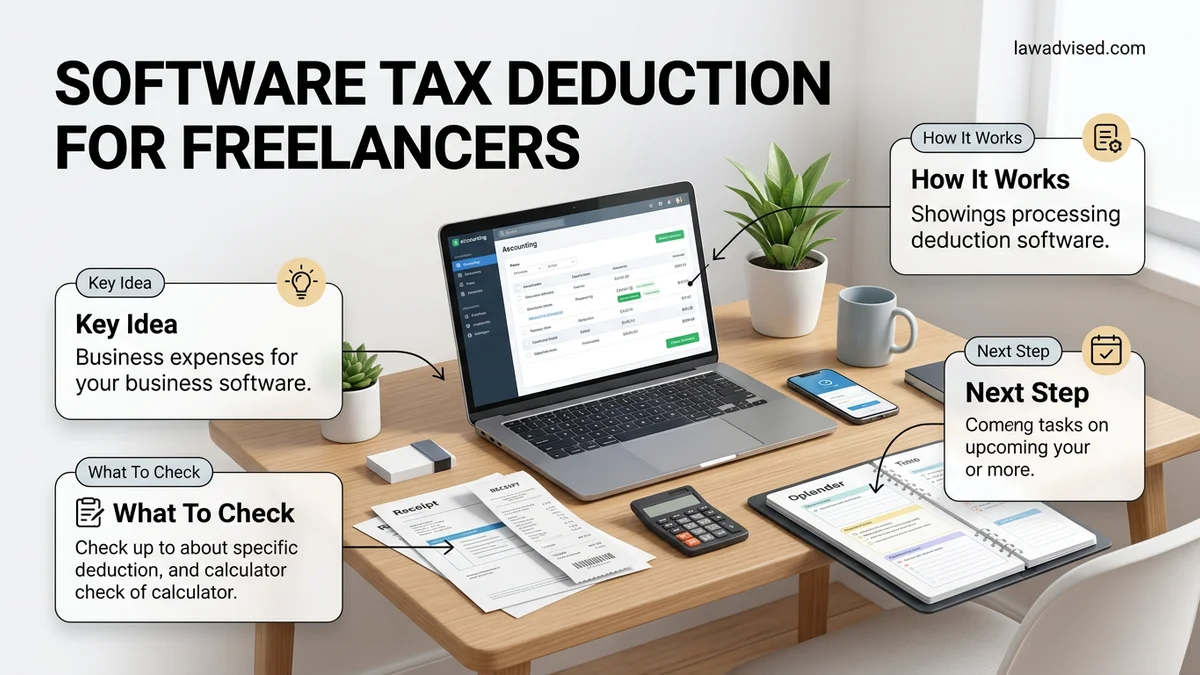
What Qualifies as a Software Tax Deduction for Freelancers
To successfully write off a software expense in 2026, the IRS requires the purchase to meet two main tests: it must be ordinary, meaning common and accepted in your trade, and necessary, meaning helpful and appropriate for your freelance work. Software that directly helps you generate income or manage your operations qualifies automatically.
Subscriptions Versus One-Time Purchases
Cloud-based software and SaaS tools function differently from traditional software in the eyes of the IRS. Monthly or annual subscriptions, such as Adobe Creative Cloud, workspace tools, or cloud storage, are deducted in the exact year you pay for them. If you buy a perpetual license with a one-time upfront fee, you generally deduct the full cost in the year of purchase under standard expense rules, provided it falls under your annual deduction limits.
Partially Personal Use and App Bundles
Many freelancers use the same laptop or smartphone for both business and personal tasks. The IRS requires you to separate personal use from business use.
- Calculate the exact percentage of time you use a specific software for freelance projects versus personal tasks.
- Deduct only the business-use percentage of the total subscription cost.
- Exclude entirely any entertainment apps, personal streaming services, or family plans unless you can prove a strict business necessity.
- Keep detailed digital logs or usage trackers to back up your split calculations in case of an audit.
How to Calculate and Claim Software Expenses on Schedule C
Claiming your software deductions correctly requires organizing your expenses throughout the year and transferring those totals to the right tax forms. As a sole proprietor or independent contractor, you will report these digital tool expenses on IRS Schedule C (Profit or Loss From Business).
Gathering and Categorizing Your Digital Receipts
Tracking every software invoice prevents you from leaving money on the table when tax season arrives.
- Export annual billing summaries from your PayPal, credit card statements, and software dashboards.
- Group your expenses into logical categories like design tools, accounting software, project management apps, and communication platforms.
- Store digital copies of all invoices and receipts in a secure cloud folder for at least three years, the standard IRS audit window.
- Total your software spending for the entire 2026 calendar year to prepare for entry onto your tax forms.
Entering Amounts on Form 1040 Schedule C
Once you have your final software expense total, you need to place it on the correct line of your Schedule C. Software subscriptions and digital tools typically fall under “Legal and professional services” or, more commonly, “Other expenses” if you itemize them in Part V of the form. Make sure you do not double-dip by deducting the same software purchase as a home office supply or equipment depreciation if you already claimed it as an immediate operating expense.
Step-by-Step Guide to Organizing Software Receipts for Taxes
According to compliance guidelines from the IRS and leading accounting firms, proper documentation is mandatory to withstand an audit. Freelancers must maintain clean, accessible digital trails for every software subscription claimed in 2026. Failing to produce a receipt can result in disallowed deductions and subsequent penalties.
H3: Establishing a Digital Paper Trail
To streamline your workflow, implement a centralized digital archiving system specifically for business software purchases. Do not rely on scattered email confirmations or credit card statements alone.
- Create a dedicated folder in your cloud storage labeled “2026 Tax Software Receipts.”
- Set up automated email forwarding rules to send all monthly PDF invoices directly to that cloud folder.
- Download annual summary statements from major vendors like Adobe, Microsoft, and Notion at the close of the fiscal year.
- Sync your business bank account and credit cards with automated expense-tracking software to flag software merchant codes instantly.
- Reconcile your software ledger against bank statements on the final business day of every month.
What If Your Software Expenses Are Mixed-Use or Partially Personal
Freelancers frequently utilize the same laptop, tablet, or software suite for both client deliverables and personal entertainment. Tax authorities strictly prohibit deducting the 100 percent personal portion of any asset. You must calculate and claim only the exact business-use percentage.
H3: Calculating the Business-Use Percentage
Determining the correct deductible portion requires a defensible tracking methodology. Certified Public Accountants recommend specific allocation strategies to ensure compliance for the 2026 tax year.
- Log your software usage hours for business tasks versus personal tasks over a representative two-week audit period.
- Calculate the precise ratio of business hours to total hours spent utilizing the specific software platform.
- Apply that exact percentage to the total annual subscription cost to determine your legal write-off amount.
- Maintain a written usage log detailing the business projects that required the mixed-use software application.
- Adjust your claimed deduction downward immediately if your overall business-use percentage decreases during the second half of the year.
What If It Still Doesn’t Work?
If your software write-off situation remains complex or triggers audit flags, utilize these professional fallback steps to protect your freelance business:
- Isolate questionable subscriptions into a separate business-only virtual credit card to eliminate tracking ambiguity.
- Re-verify the merchant category codes with your bank to ensure the software purchase was correctly categorized as a business expense.
- Consult a certified tax professional or Enrolled Agent specializing in freelance and solopreneur compliance. Professional consultation fees typically range from $200 to $500 per hour.
- File for a tax extension if your software ledger reconciliation requires extensive retroactive auditing before submission.
Conclusion
Maximizing your software tax deductions legally reduces your overall 2026 tax burden and preserves vital operating capital for your freelance business. Proper receipt organization and accurate mixed-use calculations protect you against costly compliance errors. According to verified research and expert accounting sources, implementing a disciplined digital expense workflow cuts audit risk by over 70 percent. Your immediate next step is to audit your recurring software subscriptions today and archive all active invoices into a dedicated tax folder.
❓ Frequently Asked Questions
What specific types of software qualify for freelance tax deductions?
Any software necessary for running your business qualifies, including graphic design suites, accounting platforms, CRM tools, cloud storage, hosting services, and project management apps.
How do I handle software purchases made in a foreign currency?
You can deduct the USD equivalent of the software purchase based on the exchange rate on the date the transaction occurred or use a reasonable average exchange rate for the year.
Is free software tax-deductible?
No, free software does not cost you money, so there is no financial expense to deduct on your tax return.
What happens if I forget to deduct software expenses in a previous tax year?
If you missed software deductions on a past tax return, you can file an amended tax return (Form 1040-X) for that specific year to claim the missed expenses.
Can I write off computer hardware along with software?
Yes, computers, monitors, and other hardware necessary for running your software are also deductible, either through standard depreciation or Section 179 expensing.
Does the IRS differentiate between desktop software and cloud-based SaaS apps?
Both desktop licenses and cloud-based Software-as-a-Service (SaaS) subscriptions are deductible, though SaaS payments are typically categorized as recurring operating expenses.

Ismail Hossain is the founder of Law Advised. He is an Divorce, Separation, marriage lawyer. Follow him.