Why Federal Tax Was Not Withheld 2026 Step-by-Step Fix Guide
If federal tax was not withheld from your paycheck, it is usually due to an incorrect Form W-4 setting, low income thresholds, or a payroll processing error. Addressing this immediately prevents a large surprise tax bill and IRS underpayment penalties at year-end.
Seeing zero federal income tax withheld from your paycheck usually means your Form W-4 tells your employer your total annual earnings fall below the taxable threshold, or your filing status claims complete exemption. If you made this selection by mistake, or if a payroll software glitch occurred, you risk facing a massive tax bill and underpayment penalties when you file your return.
Fixing this issue immediately prevents an unpleasant surprise next April. By updating your withholding elections now, you ensure your employer deducts the correct amount from every future 2026 paycheck, aligning your tax payments with your actual financial situation.
Key Takeaways
- Check your paystub immediately to confirm your federal withholding amount is zero.
- Accidental ‘Exempt’ status on your Form W-4 is the most common culprit.
- Low-income pay periods or bonuses may legitimately fall below standard withholding thresholds.
- Submit a new Form W-4 to your HR or payroll department to resume withholding.
- Use the IRS Tax Withholding Estimator to calculate your exact liability.
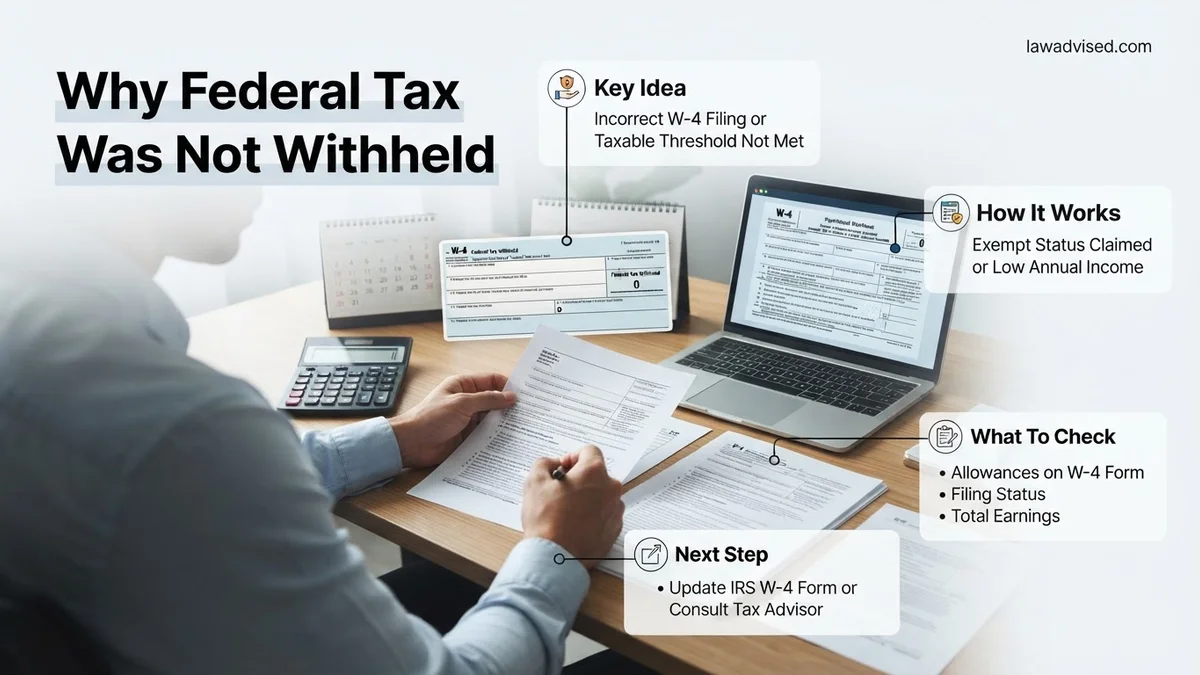
What Causes Federal Tax Not to Be Withheld on Paychecks
Payroll departments rely strictly on the math you provide on your tax documents. When federal income tax drops to zero, a specific calculation or data entry error is usually to blame.
Accidental Exemption or Zero-Withholding Elections
Checking the exemption box on your Form W-4 tells your employer to withhold zero federal income tax. People often select this option by mistake during onboarding or when updating their profile. If your 2026 standard deduction covers your expected earnings for that specific pay period, the automated payroll system may also calculate a zero withholding requirement.
- Exemption status: You must explicitly write exempt on your W-4, which is only legally valid if you had zero federal tax liability last year and expect none this year.
- Low pay period estimates: If you work part-time or irregular hours, the system might annualize a low paycheck and assume you owe nothing.
Payroll Software Glitches and Bonus Calculation Errors
Sometimes the root cause is technical rather than human error. Automated payroll systems occasionally misinterpret supplemental wages like bonuses or commissions, or they fail to apply updated IRS tax tables for 2026.
- Supplemental wage flat rates: Bonuses are often taxed at a flat 22 percent federal rate, but payroll errors can sometimes result in zero withholding if the primary system overrides it incorrectly.
- Data entry mistakes: Human resources might accidentally enter your marital status incorrectly or input zero allowances where none were intended.
How to Fix Your W-4 and Restore Federal Tax Withholding
Resolving a zero-withholding issue requires direct action with your employer’s payroll or human resources department. You need to submit a corrected Form W-4 to adjust your withholding calculations.
Submitting an Updated Form W-4
Log into your employee self-service portal or request a physical Form W-4 from HR. Re-evaluate your filing status, check the box for multiple jobs if applicable, and use the IRS Tax Withholding Estimator to find the exact dollar amount you need withheld per pay period.
- Specify extra withholding: Use Step 4(a) or 4(c) of the modern W-4 to explicitly command your employer to withhold an extra fixed dollar amount from every 2026 paycheck.
- Confirm processing times: Ask HR how many pay cycles it will take for the new W-4 to take effect so you can monitor your stubs.
Monitoring Your Paystubs and Adjusting for the Rest of 2026
Once you submit the updated form, check your very next paystub to verify that federal income tax is actively being deducted. If you went several months with zero withholding, your remaining paychecks for 2026 might need an additional fixed amount added to catch up for the missed months.
- Calculate the shortfall: Estimate how much tax you missed paying year-to-date and divide it by the remaining pay periods in 2026.
- Add catch-up withholding: Put that supplemental figure into Step 4(c) of your W-4 to voluntarily increase your deductions and avoid IRS underpayment penalties.
How to Calculate Potential Tax Liability and Avoid Penalties
Discovering that zero federal tax was withheld requires immediate action to calculate your potential liability before the 2026 tax filing deadline. According to IRS compliance guidelines, taxpayers who underpay their total tax liability by more than $1,000 often face underpayment penalties. Financial experts recommend conducting a mid-year or quarterly check using official tools to prevent unexpected bills.
Step-by-Step Liability Estimation
- Gather financial documents: Collect your most recent pay stubs for 2026, profit-and-loss statements if self-employed, and records of any secondary income sources.
- Use the Tax Withholding Estimator: Access the official IRS Tax Withholding Estimator online tool. Input your projected annual income, current withholding amounts to date, and expected deductions for 2026.
- Compare total tax to withholding: Subtract your projected total tax liability from the total federal tax withheld so far this year to determine your current shortfall.
- Submit estimated tax payments: If your employer cannot adjust your payroll quickly enough, use IRS Direct Pay to submit quarterly estimated tax payments and avoid late-payment penalties.
Tax analysts note that proactive quarterly adjustments reduce the risk of compounding interest charges from the IRS. Taking these steps now ensures compliance with federal tax codes for the 2026 tax year.
What If Federal Tax Withholding Still Fails After Updating
If you submitted a revised Form W-4 but notice that federal taxes are still not being withheld from your paycheck, systemic or administrative errors may be occurring. Payroll departments sometimes experience processing delays or misinterpret complex allowances.
- Verify submission confirmation: Contact your company’s human resources or payroll department directly to confirm they processed your updated Form W-4 for the 2026 tax cycle.
- Request a manual override: Ask payroll specialists if they can apply a specific flat-dollar additional withholding amount per pay period as a temporary workaround.
- Consult a licensed CPA: If employer-side errors persist beyond one pay cycle, schedule a consultation with a certified public accountant to structure direct estimated payments. Professional fees for tax planning and quarterly filings typically range from $150 to $400 depending on complexity.
- File an IRS Form 911: In cases of severe systemic payroll withholding failures causing financial hardship, contact the Taxpayer Advocate Service for formal assistance.
Conclusion
Uncovering a zero-withholding status on your paycheck can be stressful, but identifying the root cause allows for a swift resolution. Updating your Form W-4 and making direct estimated payments safeguards your finances against unexpected liabilities. According to verified research and expert sources from the IRS and certified tax planners, proactive monitoring remains the most effective defense against penalties. Your actionable next step is to log into your employer portal today, review your current pay statement, and submit a corrected W-4 if necessary.
❓ Frequently Asked Questions
Why would my employer stop withholding federal income tax without my knowledge?
Employers rarely change withholding without instructions, but automated payroll systems sometimes reset exemptions or misinterpret updated tax tables. If you submitted a new onboarding document or made portal updates, an accidental check-box selection for exemption may have triggered the zero withholding.
What happens if I ignore zero federal tax withholding for the whole year?
Ignoring the issue will almost certainly result in a massive tax bill when you file your annual return. Additionally, the IRS may assess underpayment interest and penalties if your total withholdings do not meet minimum safe harbor requirements.
How do I use the IRS Tax Withholding Estimator to fix my paycheck?
Gather your most recent paystubs, estimated annual income details, and last year’s tax return. Input this data into the online IRS Tax Withholding Estimator tool, which will generate exact, line-by-line instructions on how to fill out a new Form W-4.
What is the IRS safe harbor rule to avoid penalties?
To avoid underpayment penalties, your total withholding and estimated payments must equal at least 90% of your current year’s tax liability or 100% of your prior year’s tax liability (110% for higher-income earners).
Can I request additional dollar amounts to be withheld from my paycheck?
Yes, Step 4(c) of the modern Form W-4 allows you to specify an exact extra dollar amount you want your employer to withhold from each pay period to cover any shortfalls.
What should I do if my payroll department refuses or fails to update my W-4?
First, request written confirmation of your submitted W-4 from HR. If payroll errors persist, you can compensate for the missing withholdings by making independent quarterly estimated tax payments directly to the IRS website.

Ismail Hossain is the founder of Law Advised. He is an Divorce, Separation, marriage lawyer. Follow him.