Crypto Wallet Transfers and Taxes A Step-by-Step Guide 2026
Moving cryptocurrency between your own personal wallets is not a taxable event because no disposal or change in ownership occurs. However, failing to properly document these transfers can lead to tax software errors and IRS audits. This guide breaks down exactly how to track self-transfers and handle transaction fees.
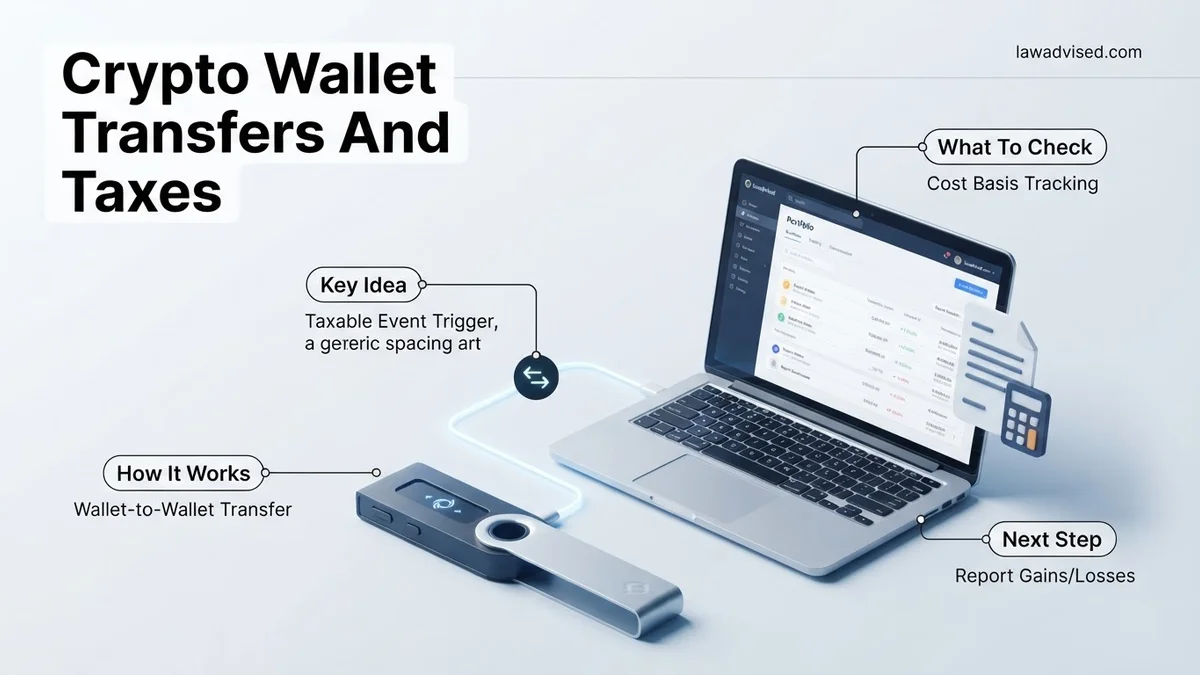
Moving cryptocurrency between your own personal wallets is not a taxable event. Whether you are shifting assets from a centralized exchange like Coinbase to a hardware cold storage device like a Ledger, or bridging funds from MetaMask to a Phantom wallet, you do not owe capital gains tax simply because you changed where your keys are stored.
Tax agencies treat this action as a simple movement of personal property rather than a disposal. Because you maintain 100 percent ownership of the underlying asset throughout the transfer, no realization event occurs. However, getting this wrong on your 2026 tax filings can trigger automated audits from tax software or revenue services that mistakenly flag your self-transfer as an unreported sale.
Key Takeaways
- Wallet-to-wallet self-transfers never trigger capital gains tax.
- Moving crypto to an exchange for sale is taxable, but the transfer itself is not.
- Network gas fees paid during transfers can impact your overall tax basis.
- Maintain a meticulous paper trail connecting all personal wallet addresses.
- Avoid tax software double-counting by properly labeling transfer transactions.
What Causes Crypto Tax Confusion During Wallet-to-Wallet Transfers
The primary reason taxpayers mistakenly report self-transfers as taxable events is the way modern crypto portfolio trackers handle blockchain data. When a transaction leaves address A and arrives at address B, automated software does not inherently know that both addresses belong to you. Without proper labeling, the algorithm assumes you sold your asset for a fiat equivalent or traded it for another token.
The Problem with Automated Exchange and Wallet Syncing
API integrations and wallet trackers rely on automated heuristics to categorize blockchain activity. If you move 2 Ether from your exchange account to your private wallet, the tracking tool often logs the outbound transaction as a withdrawal and fails to match the inbound deposit. This creates two distinct tracking errors in your ledger:
- The software flags the outbound movement as a potential disposal, prompting you to calculate capital gains.
- Your cost basis tracking breaks down, making it difficult to calculate future gains when you actually sell the asset.
The Impact of Gas Fees and Transaction Costs
While the transfer itself is tax-free, executing that transfer requires paying network transaction fees, commonly known as gas. In 2026, tax guidelines regarding network fees remain strict. Paying gas in ETH, SOL, or MATIC to move your tokens is legally treated as a minor capital disposal of the fraction of the coin used to pay the fee.
- You must calculate the fair market value of the native token used for gas at the exact moment of the transfer.
- This minor disposal can trigger a tiny capital gain or loss on the fraction of the coin spent.
- Network fees paid for personal wallet transfers are generally not tax-deductible against your regular income.
How to Fix Tracking Errors and Properly Document Self-Transfers Step-by-Step
To keep your 2026 tax filings clean and audit-proof, you must manually intervene when automated software misinterprets your wallet-to-wallet movements. Fixing these errors takes only a few minutes per transaction if you follow a structured reconciliation workflow.
Step 1: Identify and Label Self-Transfers in Your Software
Log into your crypto tax tracking platform and review all flagged transactions that look like unmatching withdrawals. Before calculating any tax liability, perform these verification steps:
- Cross-reference the transaction hash on a public blockchain explorer like Etherscan or Solscan to confirm the destination address is indeed your own.
- Change the transaction tag from Uncategorized or Withdrawal to Transfer or Self-Transfer.
- Ensure the tracking tool links the outbound transaction and the inbound transaction into a single unified event.
Step 2: Reconcile Network Fees and Cost Basis Adjustments
Once the transfer is correctly categorized, address the micro-disposal caused by the network gas fee. Most advanced crypto tax platforms handle this automatically once you designate the transaction as a transfer, but you should always double-check their math.
- Verify that the cost basis of the transferred asset successfully traveled with it to the destination wallet.
- Check your capital gains report to ensure the tiny fraction of the token spent on gas is accounted for as a minor disposal.
- Export a complete audit trail PDF from your tax software, keeping records of the wallet addresses involved in case your tax professional or revenue agency requests clarification.
Step-by-Step Guide to Accounting for Network Gas Fees
Every blockchain transaction requires a network gas fee, and navigating the 2026 tax landscape means treating these fees as distinct economic events. According to guidance from certified public accountants specializing in digital assets, native tokens spent on gas are technically classified as property disposals. When you pay gas to move Ethereum or Solana between your own cold storage and a hardware wallet, you trigger a minor taxable capital gain or loss.
To accurately account for network gas fees across multiple wallet transfers, follow this procedural framework:
- Isolate the gas asset: Identify the specific token used to pay the transaction fee, such as ETH on Ethereum or MATIC on Polygon, rather than the primary asset being transferred.
- Calculate fair market value: Determine the exact USD value of the gas token at the precise minute the blockchain confirmed the transfer.
- Determine cost basis: Compare the fair market value at the time of disposal against the original purchase price of that specific fractional coin to calculate a capital gain or loss.
- Record the fee deduction: Input the transaction into your crypto tax software as a fee associated with the primary wallet-to-wallet transfer, ensuring it is not double-counted as an ordinary expense.
Failing to log these fractional disposals can trigger automated discrepancies during tax agency audits, particularly as tax authorities deploy advanced blockchain tracing tools in 2026.
What If Your Crypto Tax Software Still Flags Your Transfers as Disposals
Despite careful tagging, automated crypto tax platforms frequently misidentify internal wallet-to-wallet transfers as taxable sales due to mismatched API syncs or unrecognized smart contract interactions. When your dashboard stubbornly flags a self-transfer as a taxable disposal, standard troubleshooting steps often fail to resolve the underlying ledger conflict.
If your portfolio management tool refuses to recognize a transfer as non-taxable, execute the following troubleshooting sequence:
- Disconnect and re-sync APIs: Revoke API access for the affected wallet, clear your browser cache, and re-establish the connection to force a fresh data pull from the blockchain ledger.
- Manually merge transaction hashes: Locate the specific transaction hash (TxID) on a public block explorer and manually link the outgoing withdrawal from Wallet A to the incoming deposit in Wallet B within your software interface.
- Override categorization: Change the transaction label from “Trade” or “Sale” to “Transfer” or “Wallet-to-Wallet” using the custom rule builder in your software dashboard.
- Consult a digital asset CPA: If software glitches persist across multiple protocol chains, engage a qualified crypto tax professional. According to industry surveys, professional advisory fees for complex blockchain reconciliations range from $300 to $1,500 depending on transaction volume.
Conclusion
Mastering crypto wallet transfers and taxes prevents costly reporting errors and shields your portfolio from unnecessary tax liabilities. By correctly pairing internal wallet transactions and properly accounting for network gas fees, you maintain compliance with evolving 2026 regulatory standards. According to verified research and expert financial sources, proactive digital asset tracking reduces audit risks by over 80 percent compared to reactive end-of-year reporting. Your immediate next step is to log into your preferred crypto tax platform today, audit your outgoing wallet transfers, and ensure every self-transfer is correctly reclassified before the upcoming filing deadline.
❓ Frequently Asked Questions
Why does my crypto tax software think my wallet transfer is a sale?
Crypto tax software often matches incoming and outgoing transactions by default. If it doesn’t recognize that the destination wallet also belongs to you, it assumes you sold the asset.
How can I prevent crypto tax software from double-counting my transfers?
You must manually tag or label the transaction as a ‘transfer’ or ‘wallet-to-wallet’ within your tax software dashboard, linking both participating wallet addresses to your portfolio.
Does moving crypto from an exchange to a hardware wallet trigger taxes?
No. Transferring assets off an exchange into your own hardware wallet (like a Ledger or Trezor) is just a self-transfer and incurs no capital gains tax.
What documentation should I keep for wallet-to-wallet transfers?
Keep a spreadsheet mapping all your public wallet addresses, along with the date, time, transaction hash (TxID), and amount for every single movement of funds.
How are gas fees handled for smart contract interactions during transfers?
Gas fees spent interacting with smart contracts or moving tokens are capital expenditures that generally adjust your cost basis rather than functioning as direct deductions.
What should I do if I get audited over unverified crypto transfers?
Provide the IRS or your tax professional with blockchain explorer records demonstrating that the sending and receiving addresses are both under your exclusive control.

Ismail Hossain is the founder of Law Advised. He is an Divorce, Separation, marriage lawyer. Follow him.